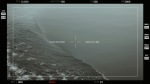
+ as requested, here is a template based off the camera preferences from Seventeen’s ‘Thanks’ MV.
+ you can have a simple image, or you can make a gif. (if you do, try not to make the gif too long or it won’t work!)
+ for the camera settings, if you’re making it for an edit or for fun, I don’t think it matters if the settings are accurate or not. I personally don’t know much about them either, I just entered some stuff.
+ not for commercial use or anything like that! just for personal use/to have fun.
。・ template psd sixty six, template pack thirty one by templatepsds ゜+.*
-`. info .’-
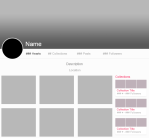
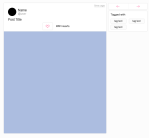
+ as requested, here is a template pack of two templates based off weheartit. the first is a profile, the second is a post.
+ to put an image inside one of the items, place your image layer right above the layer you want to put it in, right-click on your image layer, and select “Create Clipping Mask.” repeat the process for the other portions.
+ not for commercial use or anything like that! just for personal use/to have fun.
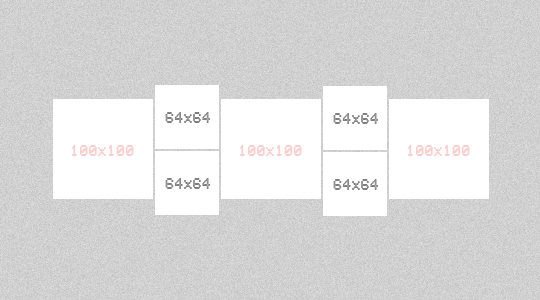
INFO: Just place on the squares the images with the measures “100×100” and “64×64″. Like or reblog this post if you save this file. please don’t repost or claim as your own.








 Site Title